


Cartoon Photo Editor-Toon Art
4.0153.00 Reviews
App Specs
- Version
- 3.6
- Updated On
- License
- Free
- Downloads
- 5,000,000+
- Developer
- Bilge Bulut Mobile
- Categories
- Art & Design
- Platform
- Android
Screenshots
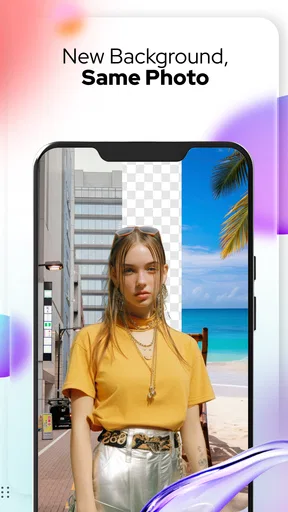
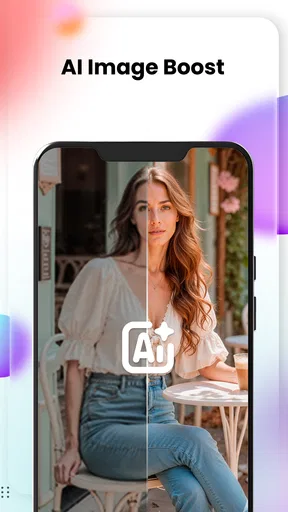
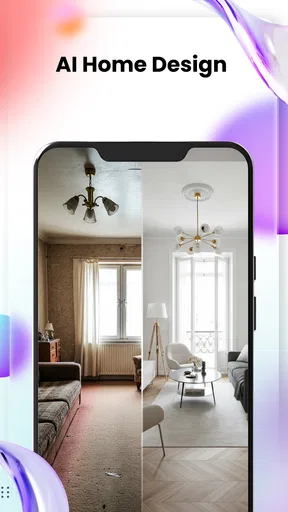
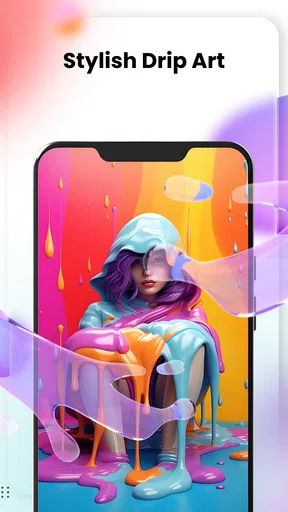
 Analysis by AppCompare
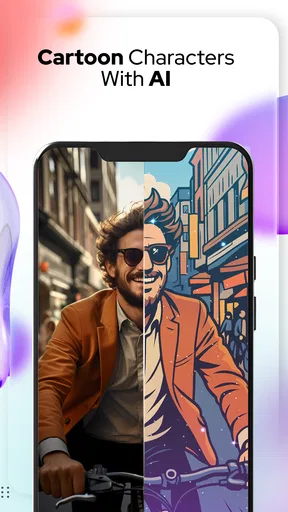
Have you ever wondered what you'd look like as a cartoon character? Well, with Cartoon Photo Editor-Toon Art, you can transform your photos into delightful cartoon versions with just a few clicks. I recently took this app for a spin, and let me tell you, it was a blast playing around with its features. Let’s dive into what makes this app a must-try for anyone looking to add a bit of animated flair to their photos.
Getting Started with Cartoon Photo Editor-Toon Art
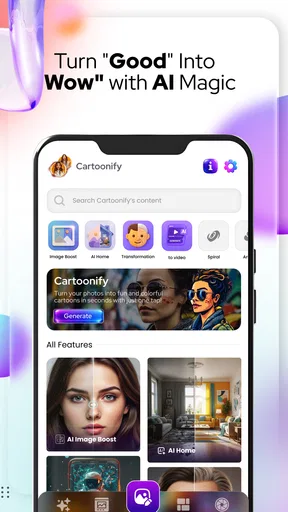
First things first, downloading and setting up Cartoon Photo Editor-Toon Art is a breeze. Available on both Android and iOS, it’s a quick download and doesn't take up much space on your phone, which is always a plus. Once installed, the app greets you with a user-friendly interface that even a first-timer can navigate without any hiccups.
When you open the app, you’re prompted to upload a photo from your gallery or snap a new one. I love how it gives you the option to choose, making it easy to work with whatever you’ve got stored on your device. For my test run, I uploaded a selfie that I was curious to see in cartoon form.
The Cartoonizing Magic
Now, here’s where the fun begins! The app provides a variety of cartoon effects. You can choose from different styles, ranging from classic comic book looks to modern animated film vibes. I tried out a couple of them, and each effect gave my photo a unique personality. The transformation process is pretty quick, which is great because who likes waiting around, right?
One of my favorite features has to be the ability to adjust the intensity of the cartoon effect. You can go full-on cartoon or opt for a more subtle touch depending on your preference. It’s this level of customization that really makes the app stand out.
Additional Features Worth Exploring
Cartoon Photo Editor-Toon Art isn’t just about turning your photos into cartoons. It also offers a range of editing tools to enhance your images further. You can adjust brightness, contrast, and saturation to make your cartoons pop even more. Plus, the app provides stickers and text options to add a bit of extra flair to your creations.
If you’re feeling a bit artsy, the app also has a sketch feature that turns your photos into pencil sketches. This is perfect for those moments when you want something a tad more sophisticated than a cartoon image.
Worth Reading Before You Choose

EA SPORTS FC Mobile 26 Is a Bigger Football Game, but It Takes Time

Flipboard Shows What News Apps Must Do Beyond the Feed

Switching to Android Auto Means Rethinking Your Driving Routine

Google Calendar Makes a Crowded Week Easier to Manage

Ludo King Makes the Most of the Minutes Between Plans

Baby Panda World Brings Quick Play to Modern Phones, but Its Game Library Feels Busy
Sharing Your Creations
Once you’ve perfected your cartoon masterpiece, sharing it is as easy as pie. The app has built-in sharing options that let you post directly to social media platforms like Instagram, Facebook, and Twitter. It’s super convenient, especially if you want to show off your new cartoon look to friends and followers.
And if you’re like me, you’ll appreciate the option to save your creations directly to your device. This way, you can use them as profile pictures or simply keep them as fun keepsakes.
Wrapping It Up
All in all, Cartoon Photo Editor-Toon Art is a fantastic app for anyone looking to inject a bit of whimsy into their photo collection. Its intuitive interface, variety of effects, and additional features make it a standout choice. Whether you’re looking to create a fun cartoon avatar or simply want to explore your artistic side, this app has got you covered.
If you’re ready to dive into the world of cartoon photo editing, give Cartoon Photo Editor-Toon Art a try. It’s a fun way to transform your selfies into animated art pieces that are sure to put a smile on your face.
Pros
- Easy-to-use interface for quick edits.
- Wide variety of cartoon effects available.
- Supports high-resolution image exports.
- Regular updates with new features.
- Works offline for editing on the go.
Cons
- Limited free features; subscription needed.
- Occasional lag with large files.
- Ads can be intrusive during use.
- Requires significant storage space.
- Some effects lack customization options.
FAQs for Cartoon Photo Editor-Toon Art
What features does Cartoon Photo Editor-Toon Art offer?
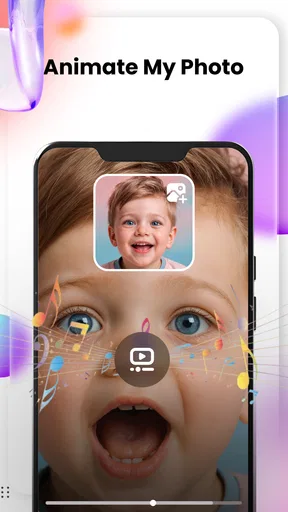
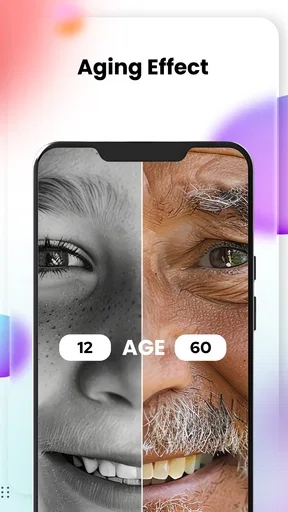
Cartoon Photo Editor-Toon Art provides a variety of features including multiple cartoon and sketch effects, artistic filters, and photo editing tools. Users can transform their photos into cartoon-style images, apply vibrant color effects, and adjust brightness, contrast, and saturation to enhance their creations. It also allows easy sharing on social media.
Is Cartoon Photo Editor-Toon Art free to use?
The app is free to download and offers several basic features at no cost. However, it includes in-app purchases for premium features and advanced filters. These may offer more detailed effects and additional editing tools, so users looking for more options might consider subscribing to the premium version.
Does Cartoon Photo Editor-Toon Art require an internet connection?
Cartoon Photo Editor-Toon Art can be used offline for basic editing and applying filters. However, some features, particularly those that require downloading additional content or updates, might need an internet connection. Additionally, sharing your edited photos on social media will require internet access.
How user-friendly is Cartoon Photo Editor-Toon Art for beginners?
The app is designed to be user-friendly, with an intuitive interface that’s easy to navigate even for beginners. Tutorials and guides are available to help users understand how to use different features. The simplicity of applying filters and editing photos makes it accessible for users with no prior photo editing experience.
Are there any privacy concerns with Cartoon Photo Editor-Toon Art?
Cartoon Photo Editor-Toon Art collects user data to improve functionality and provide a personalized experience. It’s important to review their privacy policy to understand what data is collected and how it’s used. Always ensure permissions are set according to your preferences when installing the app.


